> For the complete documentation index, see [llms.txt](https://docs.thedex.cloud/llms.txt). Markdown versions of documentation pages are available by appending `.md` to page URLs; this page is available as [Markdown](https://docs.thedex.cloud/introduction/redirect.md).
# Redirect
### 📤 **Success & Failure & Return Redirect URLs**
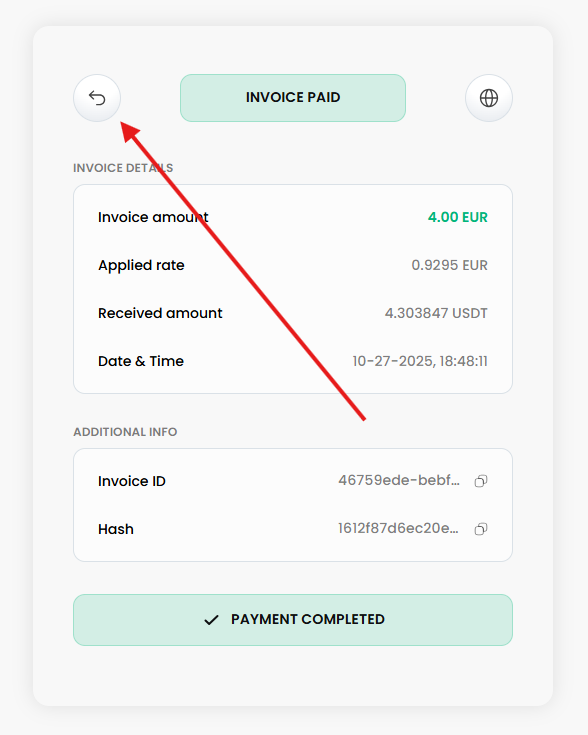
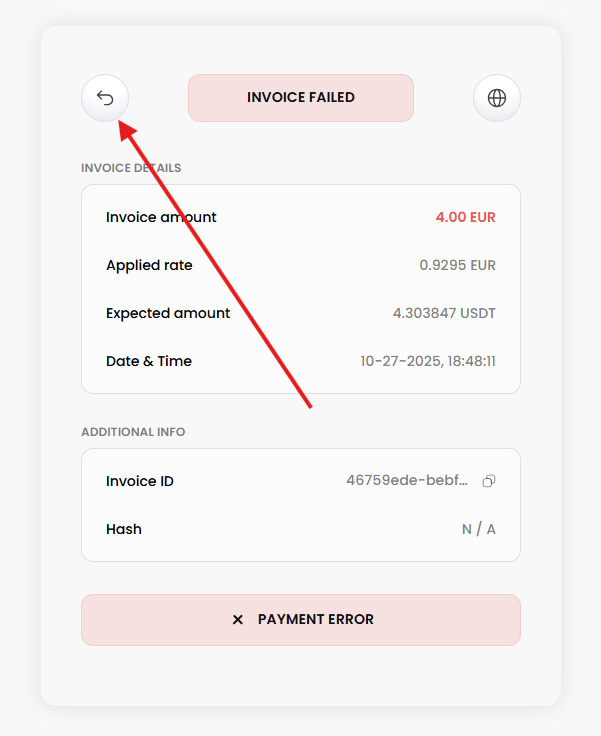
These are **redirect URLs** (not webhooks) that return the **user** to your website after an invoice-related action is completed.
* ✅ **Success redirect**:\
Triggered when an invoice is **successfully paid**. The user is redirected to the configured `successUrl`.
* ❌ **Failure Redirect**:\
Triggered when the invoice is **canceled**, **rejected**, **expired**, or if an **error** occurs. The user is redirected to the configured `failureUrl`.
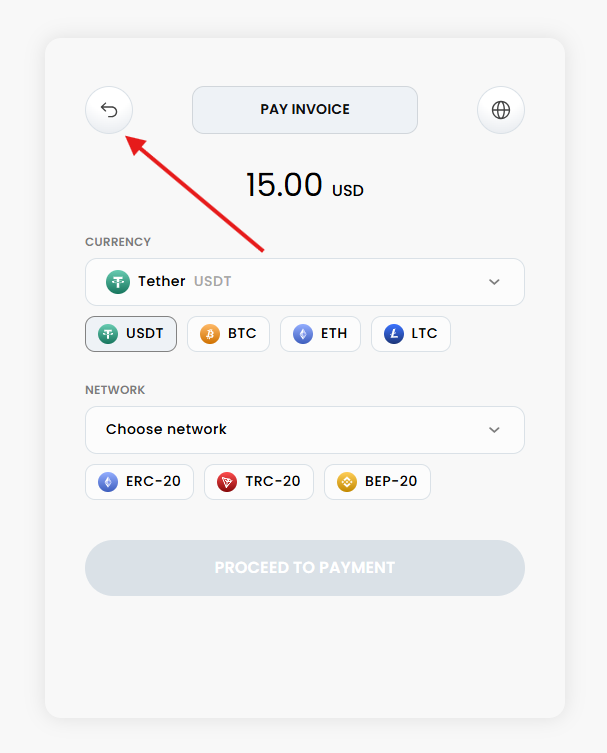
* ↩️ **Return Redirect**:\
Triggered when the invoice in a **waiting**, **pending confirm**, **unpaid**, or **underpaid** status. The user is redirected to the configured `returnUrl`.
### 🔧 Configuration
To enable redirect functionality, the URLs must be defined in one of the following ways:
* **Merchant-level configuration**:\
Set the `successUrl` and `failureUrl` and `merchantSiteUrl` fields in your merchant profile in the Thedex merchant settings.
1. Sign in at [app.thedex.cloud](https://app.thedex.cloud).
2. After logging in, navigate to the **"Merchants"** section.
3. Click the **"Edit"** button on your merchant.
4. Fill in **Success redirect Url**, **Failure redirect Url** or **Merchant site**.
5. Complete form.
* **Per-request configuration**:\
If not set at the merchant level, you can specify `successUrl` and `failureUrl`, `returnUrl` directly in your **API request** when creating an invoice.
> If both options are used, the values passed in the API request will override the merchant defaults
### 🔄 **Behavior**
* **Automatic redirect (If the invoice was created via API)**:\
The user is redirected automatically to either the success or failure URL as soon as the invoice status is updated or user click a button **"Return to website"** manually.
* **If the invoice was created via Thedex UI**:
The user must click a button (e.g., **"Return to website"**) to initiate the redirect.
> ⚠️ **Important:** These URLs are intended for **user redirection only**. They are **not** intended for server-to-server communication or for receiving payment status updates.\
> Use [webhooks ](/introduction/callback.md)for backend notification and processing.